 Maky


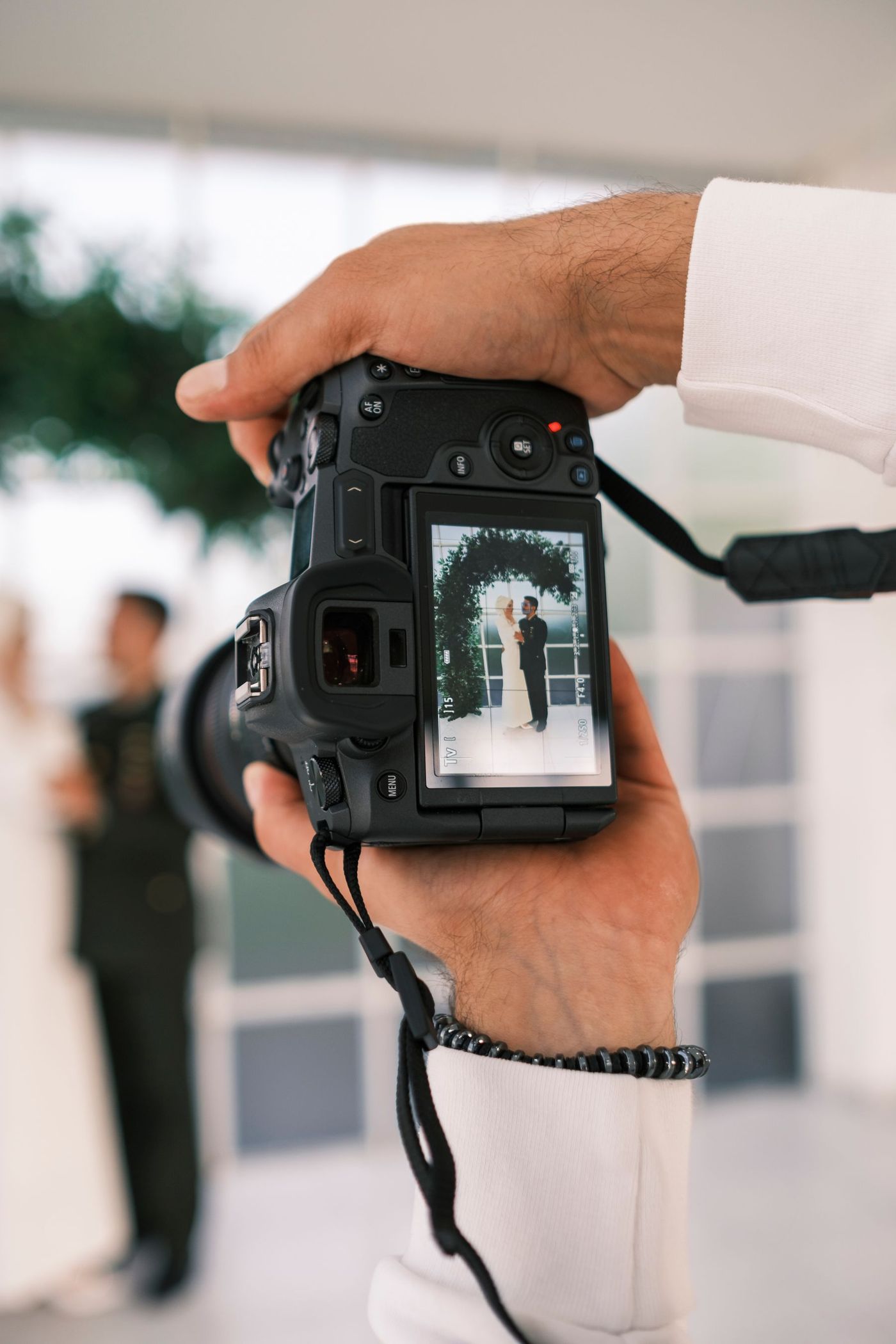
Deliver wedding photos straight to the couple.
Couples want to see their photos as soon as the day is over, and they want them to stay theirs. With Maky you create the album and invite the couple, and every photo you add goes from your phone straight to theirs: in full quality, end-to-end encrypted, and never on a server.
- Sneak peeks the same evening. Add a few favourites while the party is still going.
- See that they've seen them. Blue ticks show when the couple has looked.
- The full selection, in full quality. Deliver the edited photos the same way, videos too.
- You set the rules. You and the couple are owners; guests can't remove anyone else's photos.
- Hand it over. When you're done, make the couple owners and leave the album. They keep everything.
Maky is a phone app: export your edit to your phone, then add it. Photos travel from phone to phone, so keep yours online until they've arrived.


Every guest's photos, in one wedding album.
Everyone takes photos at a wedding, and afterwards they're scattered over dozens of phones and group chats. With one Maky album, guests scan a QR code, join and add what they took: the vows from the third row, the dance floor at midnight, the photo with Grandma.
- Full quality. Photos arrive as sharp as they were taken, not squashed by a chat app.
- No account to make. Guests join with the invite and their name.
- Two ways in. Share a link guests join without asking, or let each guest in yourselves.
- Nobody removes your photos. Guests can delete only their own; only owners can delete anyone's.
- Relive the day in order. Everything shows in the order it happened, with comments and reactions.
- Off social media. Not on a server, not on someone's feed, unless you share a photo yourself.
A wedding album in five steps.
- Create the album a few days before the wedding: the invite works for two weeks.
- Make your partner an owner, and your photographer if you have one, so you look after the album together.
- Keep these switches: guests add, comment, react and delete their own photos.
- Share a link that lets guests straight in: print its QR code on the table cards, or send it to the guests.
- Or let each guest in yourselves with the other kind of link. They don't have to catch you online.
What members can do
- Add photos and videosallowed
- Commentallowed
- Reactallowed
- Delete their own photosallowed
- Delete anyone’s photosnot allowed
Every phone in the album checks the rules itself, so nobody can get around them.
Questions about weddings
Can our photographer deliver all the photos with Maky?
Yes, in full quality. The photos go from the photographer's phone straight to yours, so the photographer keeps that phone online until they've arrived. A good rhythm: a few sneak peeks on the evening itself, the full selection once it's edited.
Who can see our wedding photos?
Only the people in the album. Not us and no tech company: the photos never pass through a server, and they're end-to-end encrypted.
Do we have to approve every guest?
No. Share a link guests can join without asking. If you'd rather check who joins, share a link where you let each guest in yourselves.
Can a guest delete our photos?
No. With these settings, guests can only remove the photos they added themselves. Only owners can remove anyone's.
Do guests need an account?
No. They install Maky Photos, scan the code or tap the link, and join with their name.
Maky is in beta. Can our guests already use it?
Yes. On iPhone they install it through TestFlight, Apple's app for test versions; on Android they join the test first. The join page explains both, and it takes a minute.
What does it cost?
Nothing, for you, your guests and your photographer.